Interface guide and feature overview. Everything you need to get started.
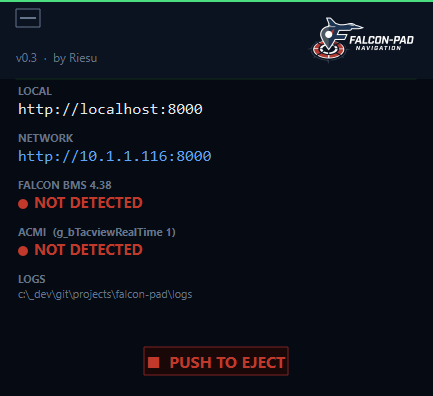
When you run FalconPad.exe, a small tray window opens showing your connection info.
set g_bTacviewRealTime 1 required)
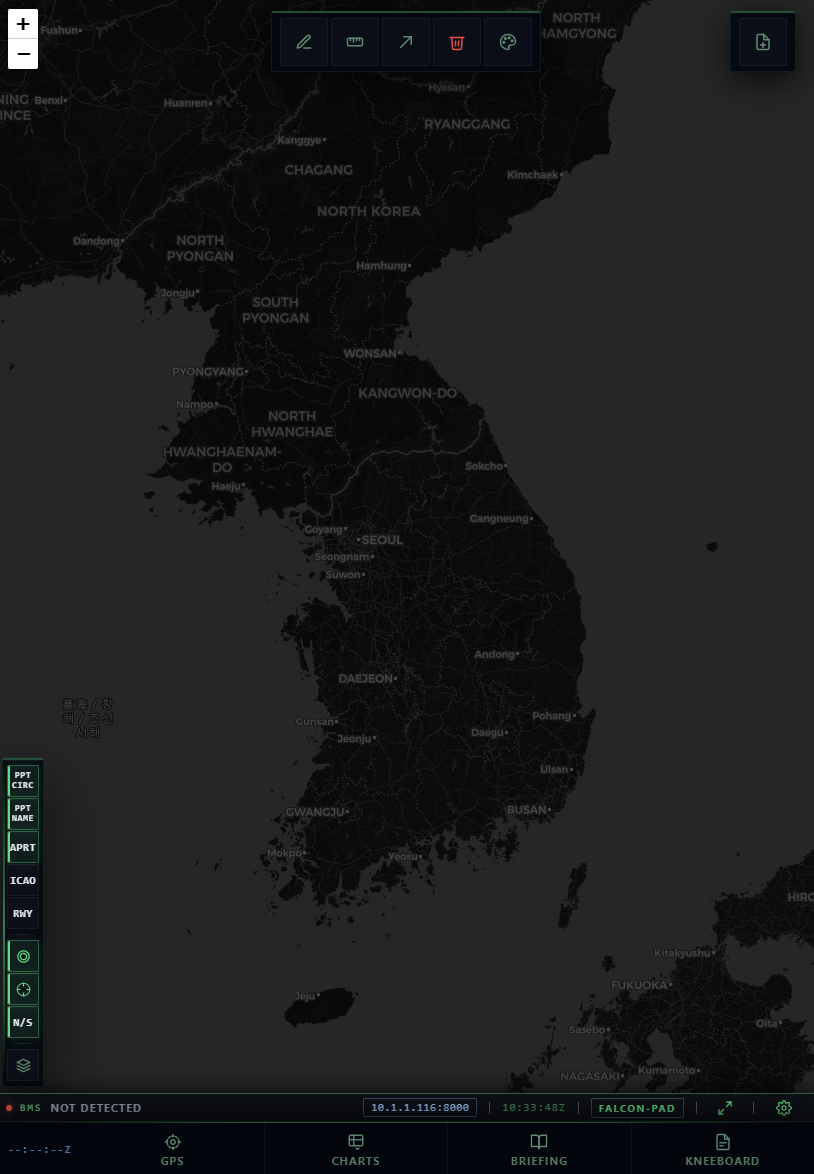
The main view. Your aircraft, steerpoints, threat rings, bullseye and all contacts are overlaid on a live map.
Top toolbar: draw tools, measure, link share, clear, and color picker.
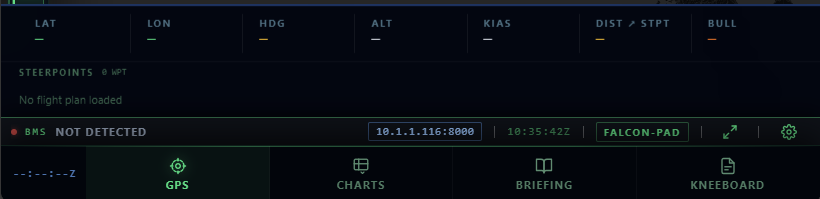
The GPS tab shows your live flight data and steerpoint list.
Steerpoints are listed below with index, name and altitude. Auto-loaded from BMS or your DTC .ini file.
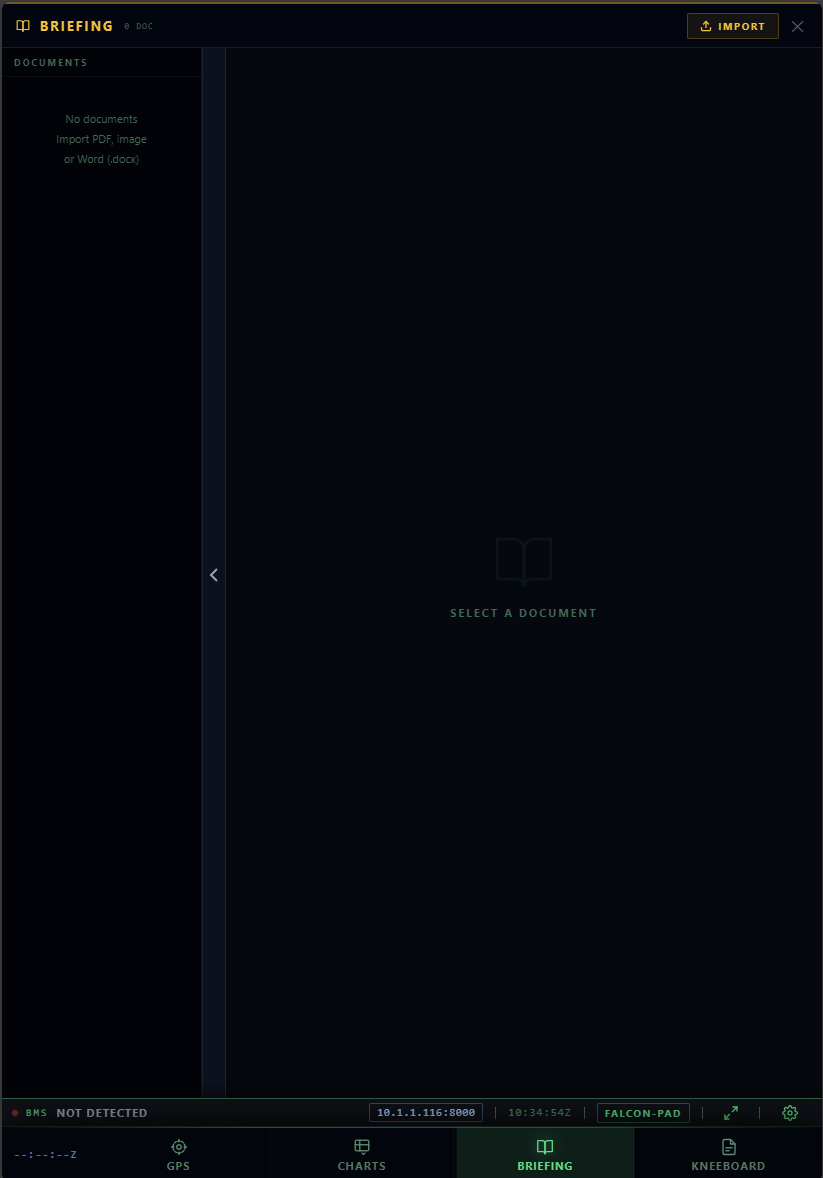
Import and read mission briefings directly on your tablet.
personal/ folder next to the exe — they appear automatically
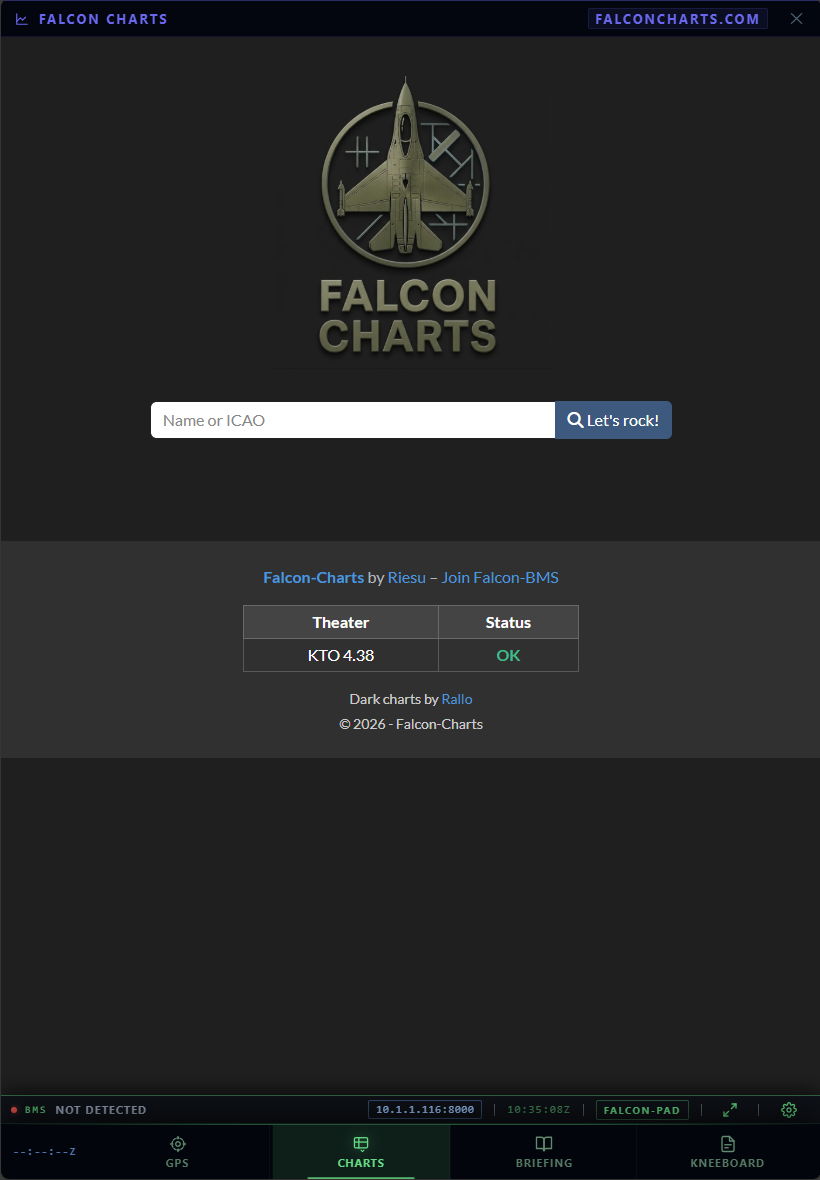
The Charts tab embeds Falcon-Charts directly in the interface — airport charts, approach plates and procedures for the current theater.
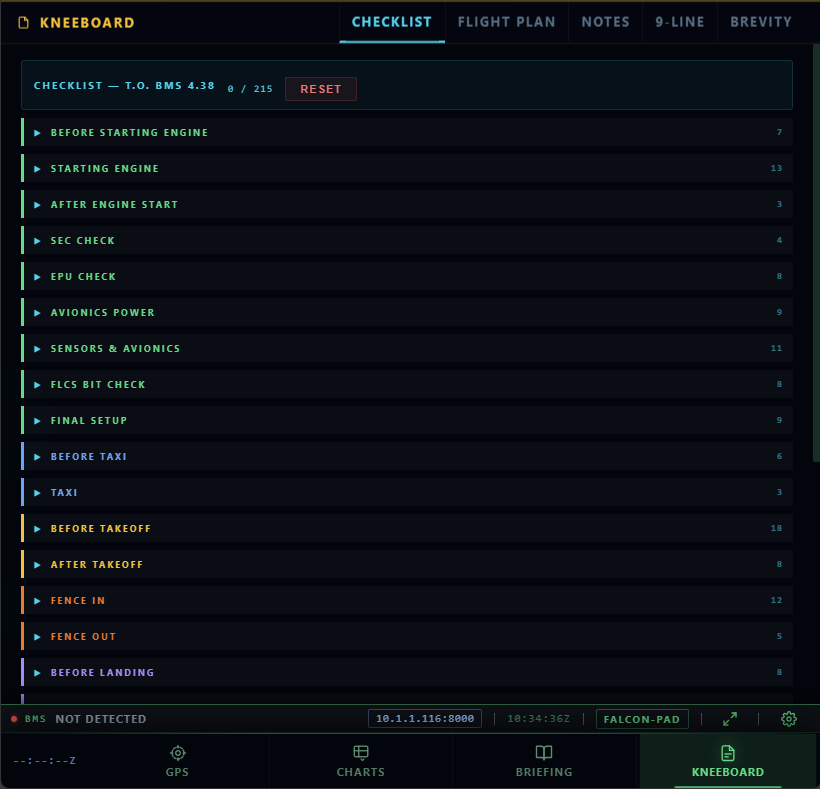
The Kneeboard tab centralizes all mission reference material in one place.
Checklist phases are color-coded: ground, taxi, takeoff, combat, landing, shutdown.
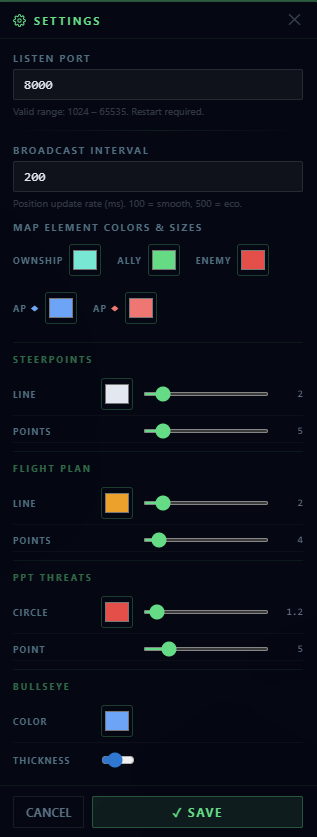
Click the gear icon in the status bar to open settings.